Coconut has a fully featured terminal built right in. This allows you to do all the things you might typically do locally, such as run a development server, execute scripts, and use TUI-based coding agents such as Claude Code or OpenAI Codex.
For power users this also provides direct access to the underlying file system and built-in commands.
Starting and managing sessions
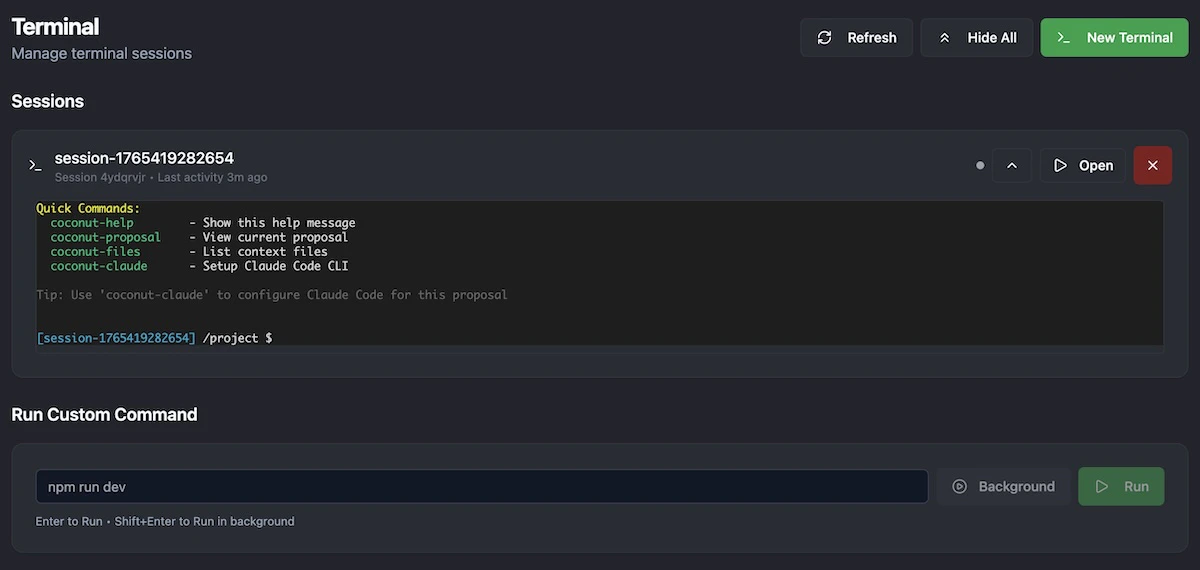
From within the “Terminal” section of the left-hand navigation you can both start new terminal instances (via the “New Terminal” button) and view all currently open sessions.
Running custom commands
You can also launch custom commands (such as starting a development server) straight from this screen via the “Run Custom Commands” section. 
