

Creating a Coconut
Creating a Coconut starts from the “Add Coconut” button in the top right of the dashboard. This launches the following dialog: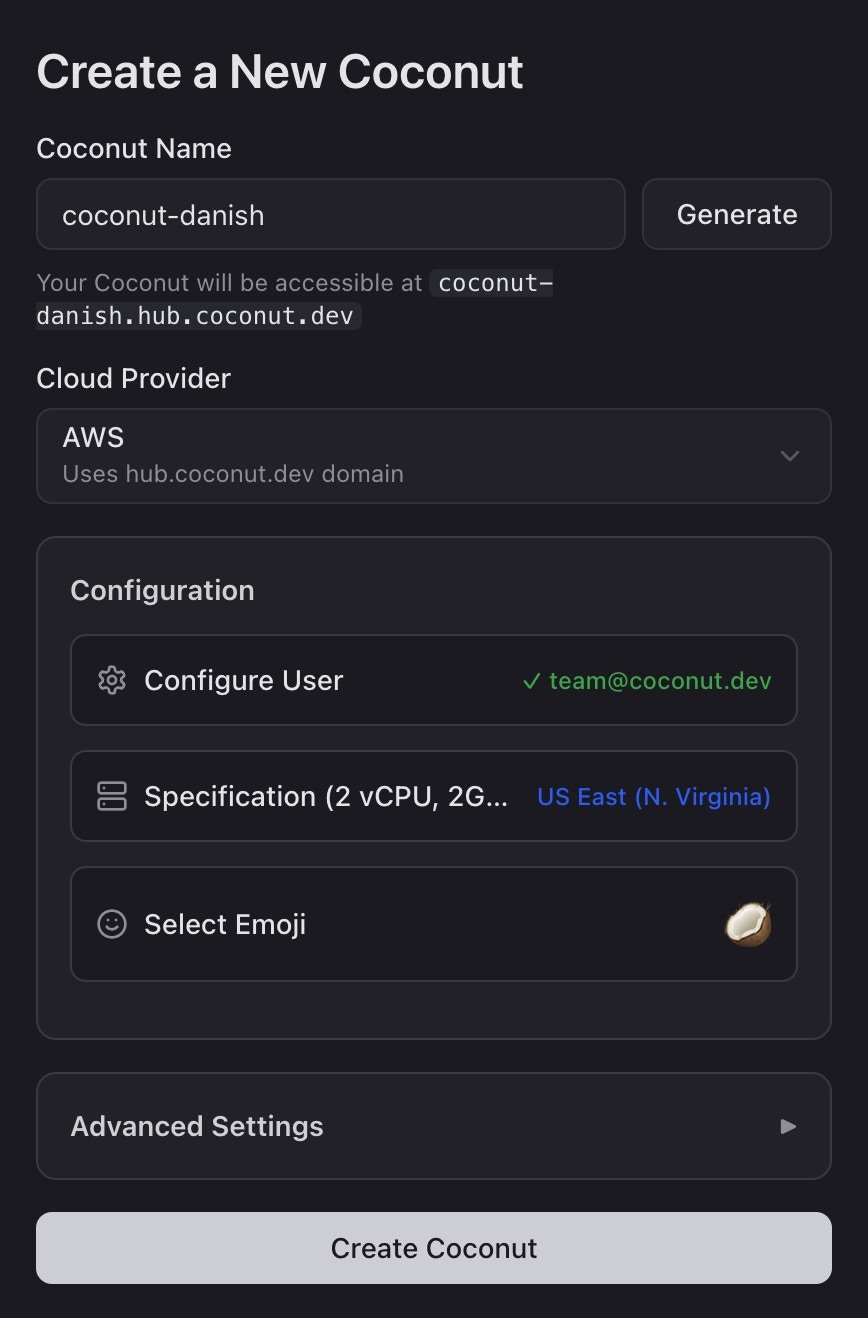
- Name - forms the subdomain of your new Coconut instance, e.g.
coconut-danish.hub.coconut.dev - Cloud Provider - defaults to AWS (custom providers or VPCs available upon request)
- Configure User - the default administrator of the new Coconut instance
- Specification - the CPU, RAM, and disk capacity
- Select Emoji - a visual representation of the Coconut instance’s role